The Secret of 3D Content Gen: How AI is Revolutionizing Assets for Game Devs
Generating high-quality 3D meshes and textures using one-click AI solutions.
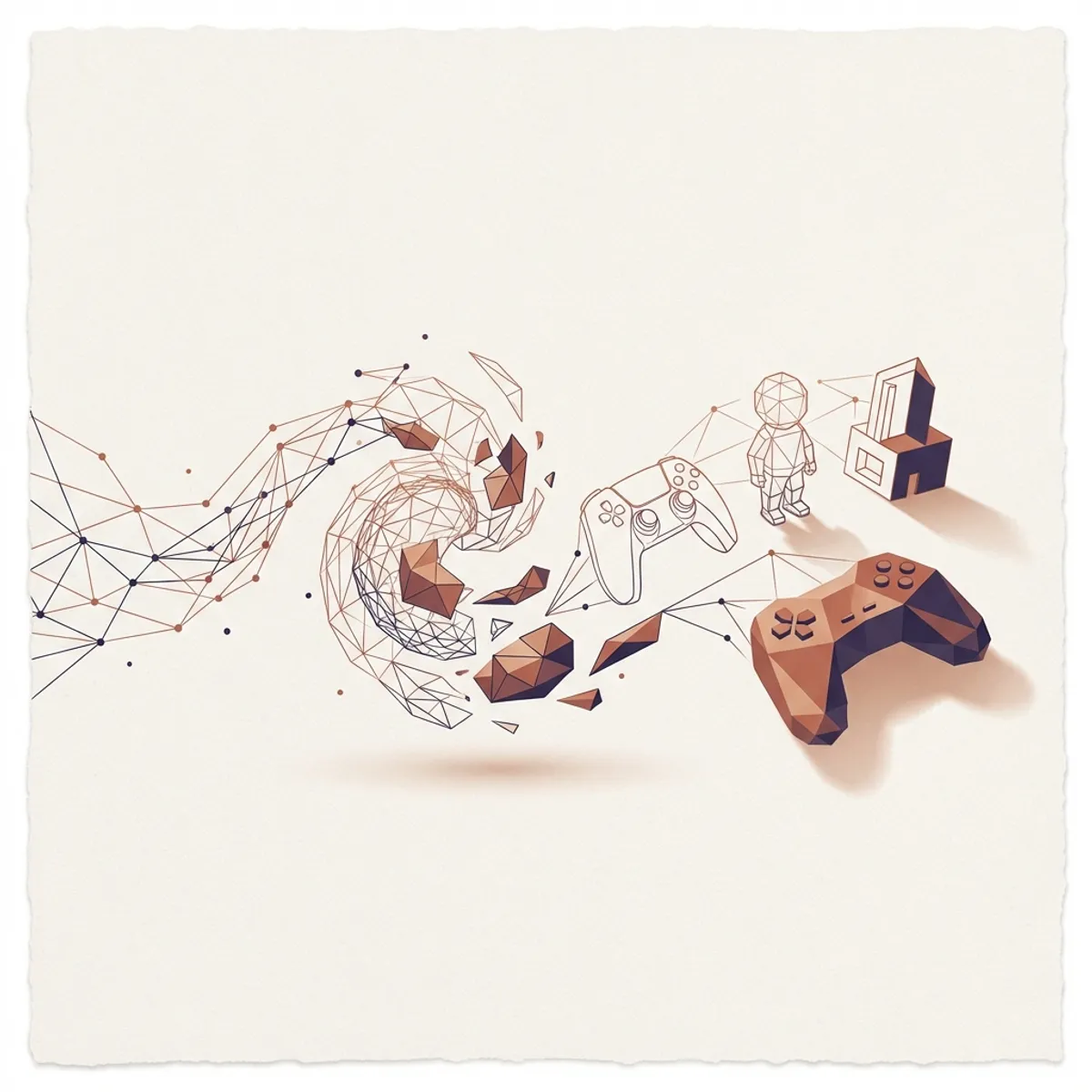
AI 3D generation has crossed the usability threshold: tools like Meshy, Tripo3D, and Luma Genie can produce game-ready assets in under 2 minutes. While not replacing professional 3D artists, these tools are transforming prototyping, indie development, and asset library creation.
The 3D Content Crisis
Game development has a problem: creating 3D assets is expensive and slow.
- A single character model: 40-100+ hours of work
- Environment props: 2-20 hours each
- Textures and materials: 4-8 hours per asset
- AAA games need thousands of assets
AI tools are beginning to solve this bottleneck—not by replacing artists, but by accelerating workflows.
The Leading AI 3D Generators
Meshy - The All-Rounder
Best For: Text-to-3D and image-to-3D with game-ready output.
Key Capabilities:
- Text-to-3D generation
- Image-to-3D conversion
- AI texturing for existing models
- PBR material generation
- Export to all major formats
Text-to-3D Workflow:
1. Enter prompt: "Stylized medieval sword with ornate hilt,
   fantasy game style, weathered metal texture"
2. Select art style (Realistic, Cartoon, Anime, Voxel)
3. Generate base mesh (30-60 seconds)
4. Refine with additional prompts
5. Apply AI texturing
6. Export as FBX/GLTF/OBJ
Strengths:
- Excellent topology for animation
- Multiple style options
- Integrated texturing
- Generous free tier
Pricing:
- Free: 200 credits/month (1 model = ~10 credits)
- Pro: $16/month (unlimited generations)
- Team: Custom pricing
Tripo3D - The Quality Leader
Best For: Maximum quality meshes from single images.
Key Capabilities:
- Single image to 3D
- Multi-view generation
- High-fidelity topology
- Real-time preview
- Texture map generation
Image-to-3D Workflow:
1. Upload single image of object
2. AI generates multiple views
3. Reconstructs 3D mesh (45 seconds)
4. Auto-generates textures
5. Download with UV maps
Strengths:
- Best image-to-3D quality
- Clean meshes suitable for production
- Accurate texture projection
Pricing:
- Free tier available
- Pro: $30/month for faster generation
- API: Pay-per-model
Luma Genie 2.0 - The Speed Demon
Best For: Rapid prototyping and concept iteration.
Key Capabilities:
- Fastest generation (10-20 seconds)
- Text and image input
- Direct sharing links
- Integration with Luma capture
Quick Generation:
Enter: "Cute robot character, round body,
       big eyes, friendly expression,
       Pixar style"

Output: Complete 3D model in 15 seconds
Strengths:
- Unmatched speed
- Great for ideation
- Easy sharing
Pricing:
- Free tier generous
- Pro plans for commercial use
Blockade Labs Skybox - The Environment Specialist
Best For: 360° environment skyboxes and panoramas.
Key Capabilities:
- Text-to-360° panorama
- Multiple art styles
- Real-time editing
- Direct export to Unity/Unreal
Environment Workflow:
Prompt: "Alien planet surface, purple sky,
         giant rings visible, rocky terrain,
         bioluminescent plants, sci-fi atmosphere"

Output: Complete 360° HDRI in 30 seconds
Strengths:
- Perfect for game environments
- Instant sky backgrounds
- Style consistency
Pricing:
- Free: 15 skyboxes/month
- Pro: $12/month unlimited
Comparison Matrix
| Tool | Text-to-3D | Image-to-3D | Texturing | Speed | Quality | Price |
|---|---|---|---|---|---|---|
| Meshy | ⭐⭐⭐⭐⭐ | ⭐⭐⭐⭐ | ⭐⭐⭐⭐⭐ | ⭐⭐⭐ | ⭐⭐⭐⭐ | $16/mo |
| Tripo3D | ⭐⭐⭐ | ⭐⭐⭐⭐⭐ | ⭐⭐⭐⭐ | ⭐⭐⭐ | ⭐⭐⭐⭐⭐ | $30/mo |
| Luma Genie | ⭐⭐⭐⭐ | ⭐⭐⭐⭐ | ⭐⭐⭐ | ⭐⭐⭐⭐⭐ | ⭐⭐⭐ | Free+ |
| Blockade | Skybox only | ❌ | N/A | ⭐⭐⭐⭐⭐ | ⭐⭐⭐⭐⭐ | $12/mo |
Practical Workflow for Game Development
Phase 1: Concept Art to 3D Prototype
1. Create concept art (Midjourney, Stable Diffusion)
2. Feed concept to Tripo3D or Meshy Image-to-3D
3. Generate initial mesh
4. Quick iteration on variations
5. Select best candidate for refinement
Phase 2: Mesh Cleanup
AI meshes typically need some cleanup:
Common Issues:
- Non-manifold geometry
- Excessive polygons
- Overlapping UVs
- Floating vertices
Tools:
- Blender (Auto-remesh, Decimate)
- ZBrush (ZRemesher)
- InstantMeshes (open-source)
# Example: Blender cleanup script
import bpy

obj = bpy.context.active_object

# Decimate for game-ready poly count
bpy.ops.object.modifier_add(type='DECIMATE')
bpy.context.object.modifiers["Decimate"].ratio = 0.3
bpy.ops.object.modifier_apply(modifier="Decimate")

# Clean up mesh
bpy.ops.mesh.remove_doubles()
bpy.ops.mesh.normals_make_consistent()
Phase 3: AI Texturing
Use Meshy or dedicated tools for PBR textures:
1. Import cleaned mesh to Meshy Texturing
2. Prompt: "Medieval stone wall, weathered,
   moss in cracks, realistic PBR materials"
3. Generate diffuse, normal, roughness, AO maps
4. Export texture pack
Phase 4: Game Engine Integration
Unity:
// Import AI-generated asset
// Apply textures via material
Material mat = new Material(Shader.Find("Standard"));
mat.SetTexture("_MainTex", albedoMap);
mat.SetTexture("_BumpMap", normalMap);
mat.SetTexture("_MetallicGlossMap", roughnessMap);
Unreal:
// Import settings for AI meshes
UStaticMesh* Mesh = LoadObject<UStaticMesh>(
    nullptr, TEXT("/Game/AI_Assets/GeneratedProp"));
// Apply material instance with PBR textures
Real-World Use Cases
Indie Game Prototyping
Before AI:
- 2-3 months for basic asset set
- $5,000-15,000 for outsourced work
- Limited iteration budget
With AI:
- 2-3 days for prototype assets
- $50-100 in tool subscriptions
- Unlimited rapid iteration
AAA Concept Visualization
Studios using AI for pre-production:
- Environment mood exploration
- Character concept 3D previews
- Prop design iteration
- Client presentations
Asset Library Building
Create vast libraries of props:
- 100 rocks → AI generates with variations
- Vegetation → Quick prototype, refine selected
- Background buildings → AI base, human detail
Quality Optimization Tips
Better Prompts
❌ “A sword”
✅ “Fantasy longsword, Damascus steel blade pattern, leather-wrapped grip, ruby pommel gem, ornate crossguard, medieval style, AAA game asset quality”
Style Consistency
Use style reference in prompts:
- “Genshin Impact style”
- “Realistic like Last of Us”
- “Low-poly stylized”
- “Voxel art style”
Mesh Quality Checks
Before using any AI mesh:
- Check polygon count (target: 500-5000 for props)
- Verify UV unwrapping
- Test in target render pipeline
- Confirm scale is correct
Limitations (Be Realistic)
What AI Does Well
✅ Simple props (furniture, weapons, rocks) ✅ Vehicles (cars, ships, with cleanup) ✅ Environment elements ✅ Stylized characters (low-medium detail) ✅ Procedural variations
What AI Struggles With
❌ Complex character rigs ❌ Animation-ready topology ❌ Precise mechanical parts ❌ Matching exact references ❌ Consistent IP styles
The Future of AI 3D
By late 2026, expect:
- Animation-ready output: Auto-rigged characters
- Physics properties: Automatic collision meshes
- LOD generation: Multiple detail levels automatically
- In-engine generation: Create assets inside Unity/Unreal
FAQ
1. Can AI-generated 3D assets be used commercially?
Yes, most tools grant commercial rights with paid subscriptions. Check each platform’s terms—some have attribution requirements for free tiers.
2. How does AI 3D quality compare to professional artists?
For hero assets (main characters, key props), professional artists still produce superior results. For background props and rapid prototyping, AI is often good enough.
3. What’s the typical polygon count of AI-generated meshes?
Raw output varies from 5,000 to 50,000+ polygons. For game use, you’ll typically need to decimate to 500-5,000 for props, 10,000-30,000 for characters.
4. Can AI generate characters ready for animation?
Not reliably yet. AI meshes lack proper edge loops for deformation. You’ll need to retopologize or use as a base for traditional modeling.
5. What export formats are supported?
Most tools support FBX, OBJ, GLTF, GLB, and STL. GLTF/GLB is becoming the standard for web and modern game engines.
At NullZen, we’re excited about AI’s potential to democratize game development. These tools are just the beginning—the future holds even more powerful creation capabilities. Stay tuned for our workflow tutorials and Unity/Unreal integration guides.