AnythingLLM + RAG: The Ultimate Guide to Building Private Knowledge Bases
Complete tutorial on building a private knowledge base using AnythingLLM with RAG. Learn vector databases, document chunking, and enterprise deployment.
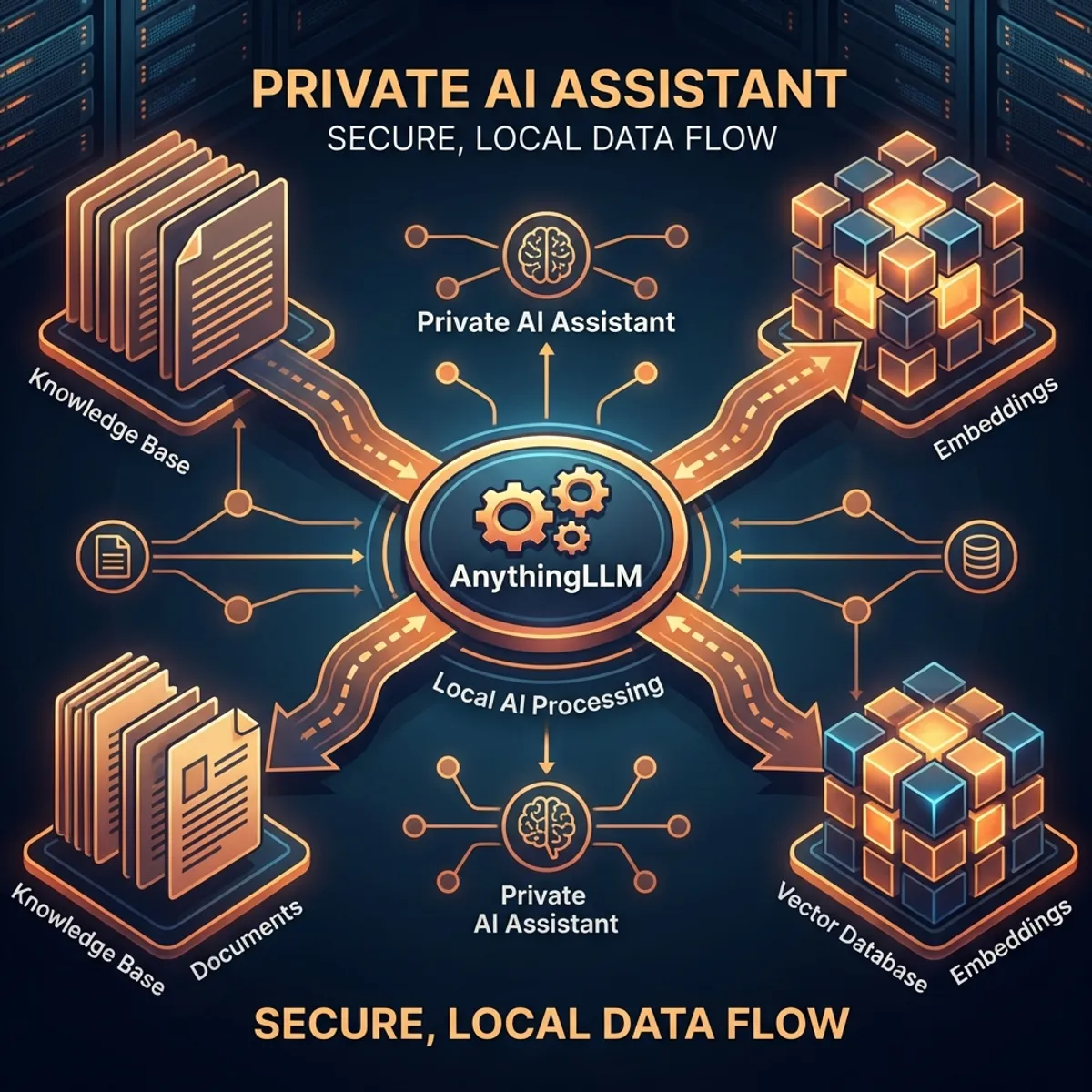
AnythingLLM + RAG: The Ultimate Guide to Building Private Knowledge Bases
In 2026, privacy-first AI is no longer optional—it’s essential. AnythingLLM has emerged as the leading open-source solution for building private knowledge bases that keep your data local while leveraging the power of modern LLMs. This comprehensive guide will take you from zero to a production-ready RAG system.
What is AnythingLLM?
AnythingLLM is an all-in-one application for:
- Private document chat without sending data to external APIs
- Multi-model support (Ollama, OpenAI, Anthropic, local models)
- Vector database integration for semantic search
- Enterprise features (users, permissions, workspaces)
Key Features
| Feature | Description |
|---|---|
| 100% Local | Runs entirely on your hardware |
| Multi-LLM | OpenAI, Claude, Ollama, LM Studio |
| RAG Pipeline | Built-in document processing |
| Vector DBs | LanceDB, Chroma, Pinecone, Weaviate |
| Agents | Custom tools and workflows |
| API Access | OpenAI-compatible endpoints |
Understanding RAG Architecture
What is RAG?
Retrieval-Augmented Generation (RAG) enhances LLM responses by:
User Query
    │
    ▼
┌─────────────────┐
│  Embedding      │ ← Convert query to vector
│  Model          │
└─────────────────┘
    │
    ▼
┌─────────────────┐
│  Vector         │ ← Find similar documents
│  Database       │
└─────────────────┘
    │
    ▼
┌─────────────────┐
│  Context +      │ ← Combine retrieved docs
│  Query          │   with original query
└─────────────────┘
    │
    ▼
┌─────────────────┐
│  LLM            │ ← Generate informed response
└─────────────────┘
    │
    ▼
   Response
Why RAG over Fine-tuning?
| Aspect | RAG | Fine-tuning |
|---|---|---|
| Data freshness | Real-time | Snapshot |
| Cost | Low | High |
| Expertise needed | Medium | High |
| Hallucination control | Better | Moderate |
| Best for | Dynamic knowledge | Behavior changes |
Installation Guide
Option 1: Desktop App (Recommended for Beginners)
# Download from official site
# Available for macOS, Windows, Linux
# https://anythingllm.com/download
Option 2: Docker (Recommended for Production)
# Pull the official image
docker pull mintplexlabs/anythingllm

# Run with persistent storage
docker run -d \
  --name anythingllm \
  -p 3001:3001 \
  -v ~/.anythingllm:/app/server/storage \
  -e STORAGE_DIR=/app/server/storage \
  mintplexlabs/anythingllm
Option 3: From Source
git clone https://github.com/Mintplex-Labs/anything-llm.git
cd anything-llm

# Install dependencies
yarn setup

# Start development server
yarn dev
Configuring Your First Workspace
Step 1: Choose Your LLM
Navigate to Settings → LLM Preference:
| Provider | Best For | Setup |
|---|---|---|
| Ollama | Local, privacy | Install Ollama, pull model |
| OpenAI | Quality, speed | API key |
| Anthropic | Coding, safety | API key |
| LM Studio | Local, GUI | Install app, load model |
Example Ollama setup:
# Install Ollama
curl -fsSL https://ollama.com/install.sh | sh

# Pull a model
ollama pull llama3.2:latest

# Verify it's running
ollama list
Step 2: Select Embedding Model
For RAG to work, you need an embedding model:
| Model | Provider | Quality | Speed |
|---|---|---|---|
| text-embedding-3-large | OpenAI | Best | Fast |
| nomic-embed-text | Ollama | Very Good | Medium |
| all-MiniLM-L6-v2 | Local | Good | Fast |
| bge-large-en | Local | Very Good | Medium |
Step 3: Choose Vector Database
| Database | Storage | Best For |
|---|---|---|
| LanceDB | Local | Default, simple |
| Chroma | Local | Development |
| Pinecone | Cloud | Scalability |
| Weaviate | Either | Enterprise |
| QDrant | Either | Performance |
Document Processing Best Practices
Supported File Types
Documents:
├── PDF (.pdf)
├── Word (.docx, .doc)
├── Text (.txt, .md)
├── CSV/Excel (.csv, .xlsx)
└── Code files (.py, .js, .ts, etc.)

Web:
├── URLs (automatic scraping)
├── YouTube (transcripts)
└── GitHub repos
Chunking Strategies
Chunking directly impacts RAG quality:
// Default settings (works for most cases)
{
  chunkSize: 1000,        // Characters per chunk
  chunkOverlap: 200,      // Overlap between chunks
  splitter: "sentence"    // Split on sentence boundaries
}

// For technical documentation
{
  chunkSize: 1500,
  chunkOverlap: 300,
  splitter: "markdown"    // Respect markdown headers
}

// For code repositories
{
  chunkSize: 2000,
  chunkOverlap: 500,
  splitter: "code"        // Respect function boundaries
}
Preprocessing Tips
-
Clean documents before uploading
- Remove headers/footers from PDFs
- Fix OCR errors
- Standardize formatting
-
Add metadata for better retrieval
- Document titles
- Creation dates
- Categories/tags
-
Test retrieval before production
- Query with expected questions
- Verify correct chunks are returned
Advanced RAG Configurations
1. Hybrid Search
Combine semantic and keyword search:
// In workspace settings
{
  searchMode: "hybrid",
  semanticWeight: 0.7,
  keywordWeight: 0.3
}
2. Reranking
Improve result quality with cross-encoder reranking:
// Enable reranking
{
  reranker: "cohere",      // or "cross-encoder"
  rerankerTopN: 5,         // Select top 5 after reranking
  initialRetrieve: 20      // Retrieve 20, rerank to 5
}
3. Multi-Query Expansion
Generate multiple queries for better recall:
// Query expansion settings
{
  multiQuery: true,
  expansionCount: 3,       // Generate 3 query variations
  aggregation: "union"     // Combine results
}
Building an Enterprise Document Q&A System
Architecture Overview
┌────────────────────────────────────┐
│          AnythingLLM               │
├────────────────────────────────────┤
│  Workspace: Engineering Docs       │
│  ├── API Documentation             │
│  ├── Code Standards                │
│  └── Architecture Decisions        │
├────────────────────────────────────┤
│  Workspace: HR Policies            │
│  ├── Employee Handbook             │
│  ├── Benefits Guide                │
│  └── Onboarding Materials          │
├────────────────────────────────────┤
│  Vector DB: LanceDB (Local)        │
│  LLM: Ollama (llama3.2)            │
│  Embeddings: nomic-embed-text      │
└────────────────────────────────────┘
Implementation Steps
- Create workspaces for each department
- Upload documents with proper organization
- Configure permissions (who can access what)
- Set up API for integration with other tools
- Monitor usage and improve based on queries
API Integration
OpenAI-Compatible API
import openai

# Point to AnythingLLM
client = openai.OpenAI(
    base_url="http://localhost:3001/api/v1",
    api_key="your-anythingllm-api-key"
)

# Chat with workspace context
response = client.chat.completions.create(
    model="gpt-4",  # Routed to your configured LLM
    messages=[
        {"role": "user", "content": "What are our coding standards?"}
    ],
    extra_body={
        "workspace_slug": "engineering-docs"
    }
)

print(response.choices[0].message.content)
Direct API Calls
# Query a workspace
curl -X POST http://localhost:3001/api/v1/workspace/engineering/chat \
  -H "Authorization: Bearer YOUR_API_KEY" \
  -H "Content-Type: application/json" \
  -d '{
    "message": "What is our API versioning strategy?",
    "mode": "query"
  }'
Performance Optimization
1. Caching Strategies
// Enable response caching
{
  cacheEnabled: true,
  cacheTTL: 3600,          // 1 hour
  cacheStrategy: "semantic" // Cache similar queries
}
2. Batch Processing
# Process documents in batches
for file in $(ls documents/); do
  curl -X POST http://localhost:3001/api/v1/workspace/upload \
    -H "Authorization: Bearer $API_KEY" \
    -F "file=@documents/$file"
  sleep 1  # Rate limiting
done
3. Hardware Recommendations
| Use Case | RAM | GPU | Storage |
|---|---|---|---|
| Personal | 16GB | Optional | SSD 50GB |
| Team (10) | 32GB | 8GB VRAM | SSD 200GB |
| Enterprise | 64GB+ | 24GB VRAM | NVMe 1TB |
Conclusion
AnythingLLM + RAG provides a powerful foundation for private knowledge management:
✅ Complete privacy - Data never leaves your systems ✅ Flexible LLM choice - Use any model you prefer ✅ Enterprise-ready - Users, permissions, workspaces ✅ Developer-friendly - OpenAI-compatible API
Start building your private knowledge base today!
FAQ
Q: Can I use AnythingLLM without internet? A: Yes, with Ollama and local embeddings, it runs completely offline.
Q: How much data can it handle? A: Tested with millions of documents; LanceDB scales well.
Q: Is it suitable for healthcare/legal data? A: Yes, with proper local deployment and security measures.
Q: Can multiple users access the same workspace? A: Yes, with user management and role-based permissions.
Q: How do I update documents? A: Delete and re-upload, or use the document sync feature.
Have you built a RAG system with AnythingLLM? Share your experience!