Clawdbot: Build Your Own 24/7 AI Butler That Never Forgets
Learn how to set up Clawdbot, the open-source, self-hosted AI assistant that runs 24/7 on your own hardware, remembers everything, and integrates with Discord, WhatsApp, Telegram, and more.
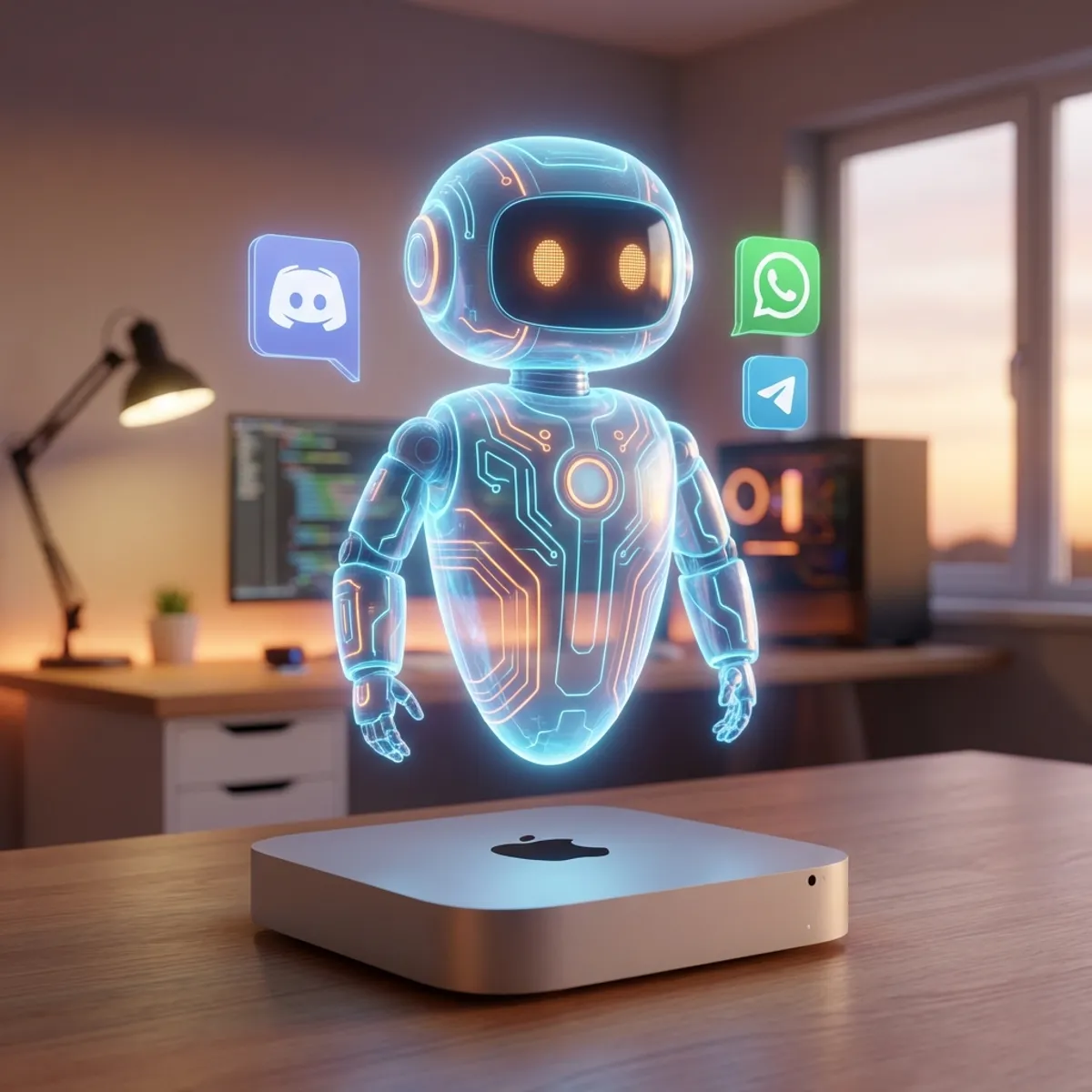
What if you had a personal AI assistant that never sleeps, never forgets your preferences, and can control your entire digital life from any messaging app? Meet Clawdbot — the open-source AI butler that’s changing how developers interact with AI in 2026.
What is Clawdbot?
Clawdbot is a self-hosted, privacy-first AI assistant that runs on your own hardware (like a Mac Mini or Raspberry Pi) and connects to 13+ messaging platforms including Discord, WhatsApp, Telegram, Slack, Signal, and iMessage.
Unlike cloud-based assistants like ChatGPT or Claude, Clawdbot:
- Runs locally — your data never leaves your machine
- Has persistent memory — remembers conversations for weeks, not just sessions
- Acts proactively — can send you reminders, briefings, and alerts without prompting
- Controls your computer — executes shell commands, browses the web, manages files
Why Clawdbot is Different
| Feature | Traditional AI | Clawdbot |
|---|---|---|
| Data Storage | Cloud servers | Your local machine |
| Memory | Session-based | Persistent (weeks) |
| Behavior | Reactive only | Proactive + Reactive |
| Integration | Web interface | 13+ messaging apps |
| Computer Control | Limited | Full system access |
Quick Installation Guide
Prerequisites
- Node.js 22+ installed
- 4GB RAM minimum (2GB for basic chat)
- 20GB storage space
- Stable internet connection
One-Line Installation
Open your terminal and run:
curl -fsSL https://clawdbot.com/install.sh | bashThis script automatically:
- Detects your operating system
- Installs Node.js if needed
- Sets up Clawdbot globally
Alternative: npm Installation
npm install -g clawdbot
clawdbot init
Docker Installation
docker pull clawdbot/clawdbot:latest
docker run -d --name clawdbot \
  -v ~/.clawdbot:/app/data \
  -e ANTHROPIC_API_KEY=your_key \
  clawdbot/clawdbot:latest
Initial Configuration
After installation, configure Clawdbot with your LLM API keys:
clawdbot configYou’ll be prompted to add:
- Anthropic API Key (for Claude)
- OpenAI API Key (optional, for GPT models)
- Messaging platform credentials
Connecting to Discord
- Create a Discord bot at Discord Developer Portal
- Copy your bot token
- Add to Clawdbot config:
clawdbot connect discord --token YOUR_BOT_TOKENConnecting to WhatsApp
clawdbot connect whatsappScan the QR code that appears to link your WhatsApp account.
Your First Conversation
Once connected, try these commands in any linked messaging app:
You: What's the weather today in Tokyo?
Clawdbot: [Fetches real-time weather data]

You: Remind me to review the API docs tomorrow at 9am
Clawdbot: ✅ Reminder set for tomorrow at 9:00 AM

You: Run `git status` in my project folder
Clawdbot: [Executes command and returns output]
Setting Up Proactive Features
Morning Briefings
Create a cron job for daily briefings:
clawdbot cron add "0 7 * * *" "Send me a morning briefing with weather, calendar events, and top news"Email Summaries
clawdbot cron add "0 18 * * 1-5" "Summarize my unread emails and highlight anything urgent"Best Practices
- Start small — Begin with basic chat before enabling system commands
- Set boundaries — Configure which directories Clawdbot can access
- Review logs — Check
~/.clawdbot/logsregularly - Backup config — Your settings are worth protecting
Troubleshooting Common Issues
Clawdbot not responding
- Check if the service is running:
clawdbot status - Verify API keys are valid
- Check internet connection
Memory issues
- Increase Node.js heap size:
export NODE_OPTIONS="--max-old-space-size=4096" - Clear old conversation history:
clawdbot memory prune --days 30
What’s Next?
Now that your AI butler is running, explore:
- Custom skills and plugins
- Smart home integration
- Multi-device synchronization
- Team collaboration features
Clawdbot represents a new paradigm in AI assistance — one where you own your data, control the experience, and have an AI that truly knows you. Welcome to the future of personal AI.
FAQ
Q: How much does Clawdbot cost? A: Clawdbot itself is free and open-source. You only pay for the LLM API usage (e.g., Anthropic Claude API).
Q: Can I use Clawdbot without cloud LLMs? A: Yes! Clawdbot supports local models through Ollama integration.
Q: Is my data truly private? A: Yes. All data stays on your local machine. Clawdbot only sends messages to the LLM API for processing.
Q: What hardware do I need? A: A Mac Mini, Intel NUC, or even a Raspberry Pi 4 with 4GB RAM works well for most use cases.
Q: Can I run Clawdbot on a VPS? A: Absolutely! Deploy on DigitalOcean, AWS, or any VPS with Node.js support for 24/7 uptime.