Why Privacy-Conscious Developers Are Switching to Clawdbot
Discover why developers who care about data privacy are abandoning cloud AI assistants for Clawdbot. A deep analysis of the privacy implications and benefits of self-hosted AI.
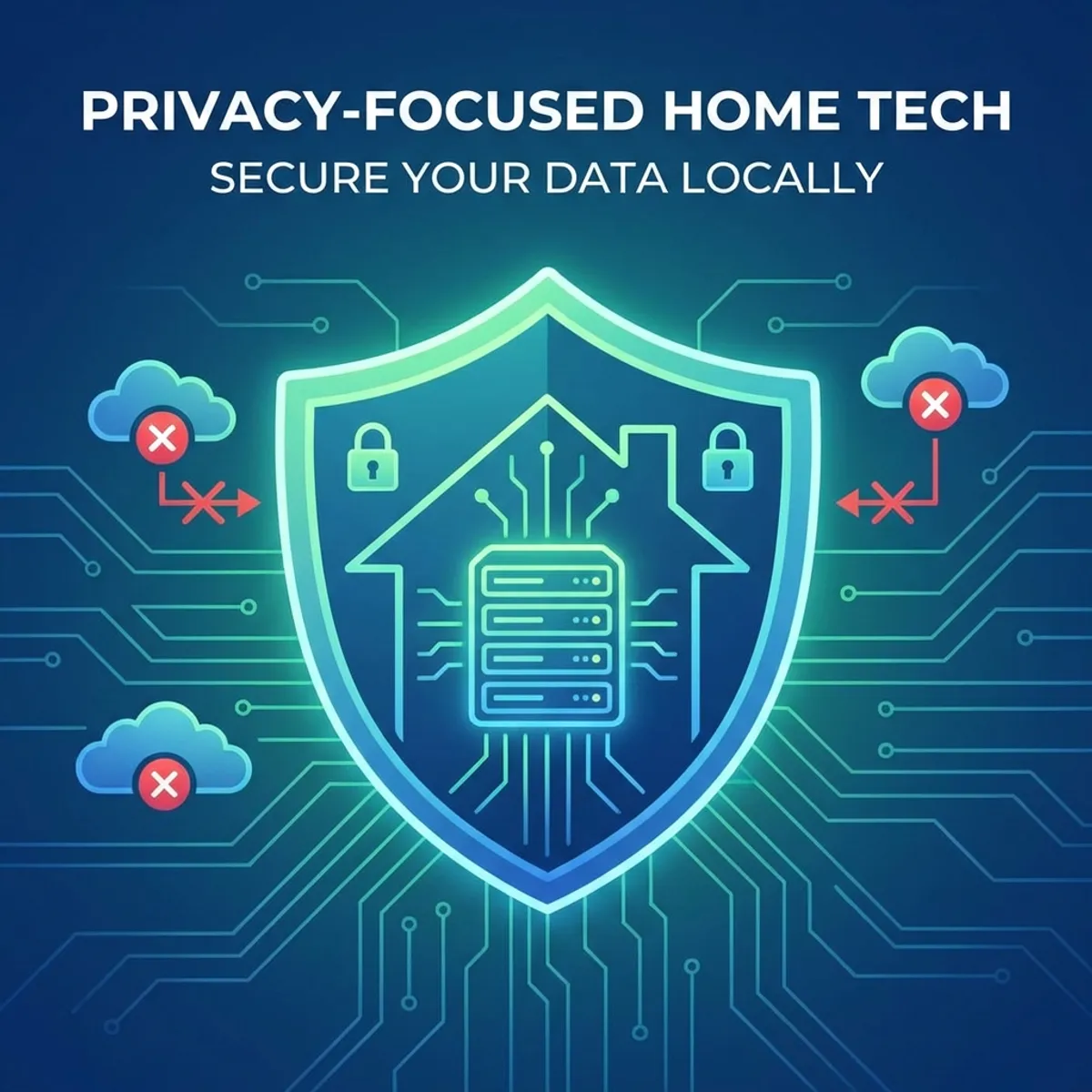
In an era where AI assistants know more about us than our closest friends, a growing number of developers are asking: “Who owns my AI conversations?” For many, the answer has led them to Clawdbot.
The Privacy Problem with Cloud AI
Every time you chat with ChatGPT, Claude, or any cloud-based AI assistant, your conversations are:
- Transmitted over the internet to remote servers
- Processed on hardware you don’t control
- Stored in databases owned by corporations
- Potentially used for model training (unless you opt out)
- Subject to data breaches, subpoenas, and policy changes
Even with enterprise privacy options, you are fundamentally trusting a third party with your most intimate professional and personal queries.
What Developers Actually Ask AI
Think about what you’ve asked AI assistants in the past year:
- Code containing proprietary business logic
- Drafts of confidential emails
- Personal financial questions
- Health-related inquiries
- Legal document reviews
- Competitive analysis of rivals
- Debugging production systems
- Salary negotiation strategies
Would you post all of that publicly? Probably not. Yet with cloud AI, you’re sharing it with companies whose incentives may not align with yours.
How Clawdbot Solves the Privacy Problem
Complete Data Locality
With Clawdbot, everything stays on your machine:
Your local Clawdbot installation:
~/.clawdbot/
├── conversations/     # All chat history - LOCAL
├── memory/            # Long-term context - LOCAL
├── skills/            # Custom automations - LOCAL
├── logs/              # Activity logs - LOCAL
└── config.json        # Settings - LOCAL
Zero data leaves your device unless you explicitly choose to use a cloud LLM API (and even then, only the current query is sent).
You Choose the LLM
Clawdbot acts as a gateway to any LLM you prefer:
| Option | Privacy Level | Quality |
|---|---|---|
| Ollama (local) | ★★★★★ Maximum | Depends on model |
| Claude API | ★★★☆☆ Moderate | Excellent |
| OpenAI API | ★★☆☆☆ Lower | Excellent |
| Self-hosted LLM | ★★★★★ Maximum | Depends on model |
For maximum privacy, run a local model like Llama 3 70B via Ollama. Your conversations never leave your network.
Auditability
Clawdbot is open-source. You can:
- Read every line of code
- Verify what data is collected
- Modify behavior for your needs
- Audit network traffic
- Fork and customize
Compare this to cloud AI where you must trust opaque terms of service.
The Real-World Privacy Advantages
For Individual Developers
Before Clawdbot:
- Hesitated to share sensitive code snippets
- Avoided asking about personal matters
- Worried about trade secrets in prompts
After Clawdbot:
- Freely discuss any codebase
- Use AI for personal financial planning
- Debug production issues without risk
For Startups & Small Teams
Before:
- Paid for expensive enterprise AI plans
- Required NDAs and security reviews
- Limited AI usage in some contexts
After Clawdbot:
- Same capabilities at API cost only
- Complete control over data
- No vendor lock-in
For Enterprises
Before:
- Complex compliance requirements
- Data residency concerns
- Audit and logging challenges
After Clawdbot:
- Meets data sovereignty requirements
- Full audit trail on your infrastructure
- No third-party data access
Setting Up Privacy-First Clawdbot
Option 1: Maximum Privacy (Local LLM)
# Install Ollama
curl -fsSL https://ollama.ai/install.sh | sh

# Pull a capable model
ollama pull llama3:70b

# Configure Clawdbot to use Ollama
clawdbot config set llm.provider ollama
clawdbot config set llm.model llama3:70b
Result: Complete air-gapped AI. Nothing leaves your network.
Option 2: Balanced Approach (API with Guardrails)
# Configure Clawdbot with Claude API
clawdbot config set llm.provider anthropic
clawdbot config set llm.apiKey your_key

# Enable privacy filters
clawdbot config set privacy.redactSensitive true
clawdbot config set privacy.noLogPrompts true
Result: Cloud intelligence with local storage and privacy controls.
Privacy Features Deep Dive
1. Conversation Encryption
clawdbot config set storage.encryption true
clawdbot config set storage.encryptionKey "your-secret-key"
All local data is encrypted at rest.
2. Sensitive Data Redaction
Clawdbot can automatically redact sensitive patterns before sending to cloud LLMs:
clawdbot config set privacy.redactionPatterns '[
  "(?i)api[_-]?key[=\"\\s:]+\\w+",
  "(?i)password[=\"\\s:]+\\S+",
  "\\d{3}-\\d{2}-\\d{4}"  // SSN pattern
]'
3. Network Monitoring
Check what Clawdbot sends:
clawdbot config set logging.networkTraffic true
tail -f ~/.clawdbot/logs/network.log
4. Selective Memory
Control what Clawdbot remembers:
clawdbot memory forget "yesterday's conversation about salaries"
clawdbot memory list --sensitive
Comparing Privacy: Cloud vs. Self-Hosted
| Aspect | Cloud AI | Clawdbot (Local) |
|---|---|---|
| Data Storage | Third-party servers | Your device |
| Data Encryption | Trust provider | Your control |
| Data Retention | Provider’s policy | Your policy |
| Model Training | Possible opt-out | Never used |
| Subpoena Risk | Provider receives | You receive |
| Breach Risk | Provider’s security | Your security |
| Audit Capability | Limited or none | Complete access |
The Developer Mindset Shift
Privacy-conscious developers who switch to Clawdbot report:
“I finally feel comfortable asking AI about my actual codebase, not sanitized examples.”
“The peace of mind of knowing my conversations are mine is worth the setup effort.”
“For a startup working on competitive technology, self-hosted AI isn’t optional—it’s essential.”
Addressing Common Concerns
”Isn’t setup complicated?”
Modern Clawdbot installation takes under 10 minutes:
curl -fsSL https://clawdbot.com/install.sh | bash
clawdbot init
“Won’t local models be slower/worse?”
For most tasks, models like Llama 3 70B perform comparably to cloud models. For complex reasoning, you can selectively use cloud APIs while keeping sensitive conversations local.
”What about updates and security patches?”
Clawdbot auto-updates by default:
clawdbot update --auto enableThe Bottom Line
In 2026, privacy isn’t paranoia—it’s prudent engineering. As AI becomes more integrated into our workflows, the question isn’t whether to use AI, but where that AI lives and who controls the data.
Clawdbot offers a third path: the power of modern AI with the privacy of local computing. For developers who care about data sovereignty, it’s not just an alternative—it’s the only option that makes sense.
Your conversations, your data, your control. That’s the Clawdbot promise.
FAQ
Q: Is Clawdbot truly private if I use Claude or GPT APIs? A: Queries are sent to the API, but conversation history and memory stay local. For maximum privacy, use local models.
Q: Can my employer audit my Clawdbot usage? A: If deployed on company hardware, yes. On personal devices, only you have access.
Q: Does Clawdbot collect any telemetry? A: No. Clawdbot is fully open-source with no telemetry by default. You can verify this in the source code.
Q: How does this compare to enterprise ChatGPT or Claude? A: Enterprise offerings promise data isolation but still involve third-party infrastructure. Clawdbot is self-hosted—you own everything.
Q: Can I use Clawdbot for HIPAA/GDPR-compliant workflows? A: With local LLMs, potentially yes. Consult compliance experts for your specific use case.