Mac Mini for Clawdbot: M4 vs M4 Pro, Which Config Should You Buy?
A complete buying guide for Mac Mini M4 configurations to run Clawdbot. Compare M4 vs M4 Pro chips, RAM options (16GB vs 24GB vs 32GB), and find the best value for your AI assistant setup.
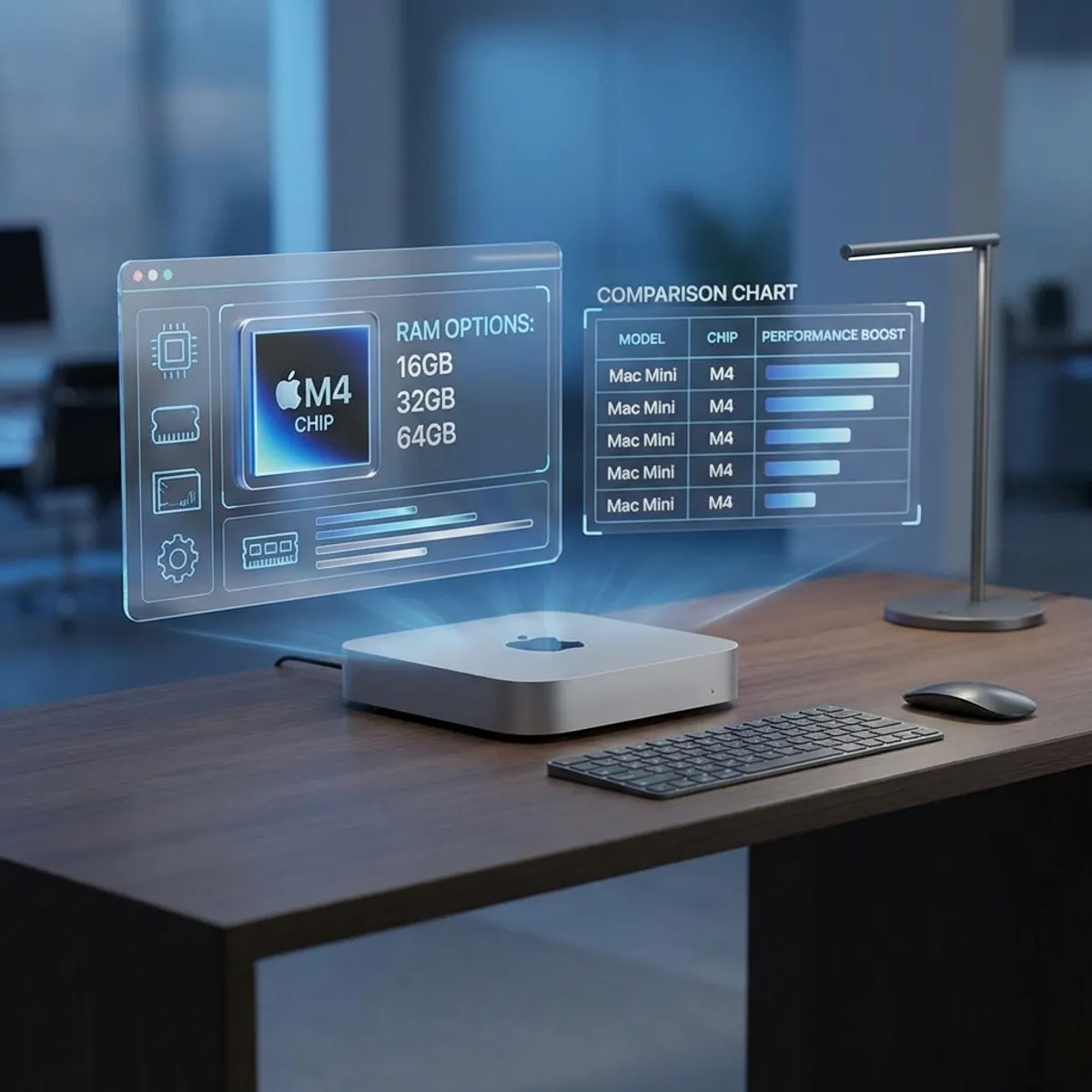
Thinking about buying a Mac Mini to run Clawdbot 24/7? With Apple’s M4 lineup offering multiple configurations at different price points, choosing the right one can be confusing. This guide breaks down exactly what you need.
The Quick Answer
For most Clawdbot users:
- ✅ Mac Mini M4 with 24GB RAM — Best value for 24/7 AI assistant
- ⬆️ Mac Mini M4 Pro with 24GB RAM — For power users running local LLMs
- 💰 Mac Mini M4 with 16GB RAM — Budget option (API-only usage)
Now let’s dive into the details.
Understanding the Mac Mini M4 Lineup
Apple released the Mac Mini M4 in late 2024, and it remains the go-to choice for self-hosted AI in 2026.
Available Configurations
| Model | Chip | Base RAM | Price (USD) |
|---|---|---|---|
| Mac Mini M4 | M4 (10-core CPU, 10-core GPU) | 16GB | $599 |
| Mac Mini M4 | M4 (10-core CPU, 10-core GPU) | 24GB | $799 |
| Mac Mini M4 Pro | M4 Pro (12-core CPU, 16-core GPU) | 24GB | $1,399 |
| Mac Mini M4 Pro | M4 Pro (14-core CPU, 20-core GPU) | 48GB | $1,999 |
M4 vs M4 Pro: Which Chip Do You Need?
M4 Chip (Standard)
The base M4 is more than enough for:
- Running Clawdbot with cloud LLM APIs (Claude, GPT)
- Managing 13+ messaging platform connections
- Browser automation and web scraping
- Smart home control
- Scheduled cron jobs and automations
Neural Engine: 16-core, up to 38 TOPS (trillion operations per second)
M4 Pro Chip
The M4 Pro becomes relevant when you want to:
- Run local LLMs via Ollama (Llama 3 70B, Mistral, etc.)
- Process multiple concurrent AI tasks
- Handle video/image processing automations
- Future-proof for more demanding AI models
Neural Engine: 16-core, enhanced bandwidth for larger models
Real-World Performance Comparison
| Task | M4 | M4 Pro |
|---|---|---|
| Clawdbot + Claude API | ✅ Excellent | ✅ Excellent |
| Clawdbot + Ollama 7B model | ✅ Good | ✅ Excellent |
| Clawdbot + Ollama 70B model | ⚠️ Slow | ✅ Good |
| 5+ concurrent automations | ✅ Good | ✅ Excellent |
| Browser automation | ✅ Excellent | ✅ Excellent |
Verdict: If you’re using cloud LLM APIs, the base M4 is perfect. Only upgrade to M4 Pro if you’re serious about running local models.
RAM: 16GB vs 24GB vs 32GB
This is where many people make mistakes. Let’s be clear:
16GB RAM
Good for:
- Basic Clawdbot with cloud APIs
- Light automation workloads
- Users on a strict budget
Limitations:
- May struggle with large conversation histories
- Can’t run meaningful local LLMs
- Less headroom for future features
24GB RAM (Recommended)
Ideal for:
- Most Clawdbot use cases
- Running small local models (7B parameters)
- Multiple messaging platform connections
- Browser automation with Playwright
Why 24GB is the sweet spot:
- 50% more RAM than base for $200
- Comfortable headroom for Clawdbot’s memory features
- Can experiment with smaller local models
32GB+ RAM
Necessary for:
- Running large local LLMs (30B+ parameters)
- Heavy concurrent workloads
- AI development and fine-tuning
Note: 32GB requires the M4 Pro chip, so you’re looking at $1,599+.
Storage: How Much Do You Need?
Clawdbot itself is lightweight, but consider:
| Usage | Recommended Storage |
|---|---|
| Clawdbot + cloud APIs only | 256GB (base) |
| Clawdbot + small local LLM | 512GB |
| Clawdbot + multiple large LLMs | 1TB+ |
Pro tip: Local LLMs like Llama 3 70B require ~40GB per model. If you plan to experiment with multiple models, get 1TB.
My Configuration Recommendations
Budget Pick: Mac Mini M4 16GB ($599)
Best for:
- First-time Clawdbot users
- Cloud API-only usage
- Budget-conscious buyers
Compromise: Limited local AI capabilities, less future-proof.
Best Value: Mac Mini M4 24GB ($799) ⭐
Best for:
- Most users
- 24/7 AI assistant operation
- Balanced performance and cost
Why it wins: The extra 8GB of RAM costs only $200 and significantly extends usability. This is what I recommend for 90% of users.
Power User: Mac Mini M4 Pro 24GB ($1,399)
Best for:
- Local LLM enthusiasts
- Developers building on Clawdbot
- Users who want maximum headroom
Justification: If you want to run Ollama with larger models locally, the M4 Pro’s enhanced GPU and memory bandwidth make a noticeable difference.
No Compromises: Mac Mini M4 Pro 48GB ($1,999)
Best for:
- AI researchers
- Running 70B+ models locally
- Heavy production workloads
Reality check: Overkill for most personal Clawdbot use. Consider this only if you have specific professional requirements.
Buying Tips
New vs Refurbished
Apple’s Certified Refurbished Mac Minis offer:
- Same 1-year warranty as new
- 15-20% discount
- Like-new condition
Check Apple Refurbished Store regularly for M4 models.
When to Buy
- Best deals: Black Friday, Back to School season
- Avoid: Right before WWDC (June) when new models may be announced
Accessories You’ll Need
- Ethernet cable — More stable than WiFi for 24/7 operation
- UPS (Uninterruptible Power Supply) — Protect against power outages
- USB-C hub — If you need additional ports
Total Cost of Ownership
| Item | Cost |
|---|---|
| Mac Mini M4 24GB | $799 |
| Ethernet cable | $15 |
| Basic UPS | $80 |
| Total Hardware | $894 |
| LLM API (monthly, ~$20-50) | $240-600/year |
| Electricity (~$3/month) | $36/year |
3-year TCO: ~$1,700-2,200 depending on API usage
Compare this to cloud VPS solutions costing $40-100/month, and the Mac Mini pays for itself in under 2 years.
The Bottom Line
For running Clawdbot as your 24/7 AI assistant, the Mac Mini M4 with 24GB RAM at $799 offers the best balance of performance, value, and future-proofing.
Unless you specifically need local LLM capabilities, skip the M4 Pro and invest the savings in a good UPS and longer API runway.
Your AI assistant deserves a proper home. The Mac Mini is the perfect landlord.
FAQ
Q: Can I upgrade RAM later? A: No. Mac Mini RAM is soldered. Choose wisely at purchase.
Q: Is the base 256GB storage enough? A: For cloud API usage, yes. For local LLMs, upgrade to 512GB or 1TB.
Q: M4 or wait for M5? A: The M4 is excellent for Clawdbot. Waiting for M5 means missing months of AI assistant productivity.
Q: Can I use an older Intel Mac Mini? A: Technically yes, but Apple Silicon’s efficiency and Neural Engine make M-series far superior for 24/7 AI workloads.
Q: Mac Mini vs Mac Studio for Clawdbot? A: Mac Studio is overkill. The Mini handles Clawdbot perfectly at a fraction of the price.