OpenAI Realtime API Complete Tutorial: Build Real-Time Voice AI Assistants
Step-by-step guide to building low-latency voice AI applications using OpenAI's Realtime API with WebSocket streaming in 2026.
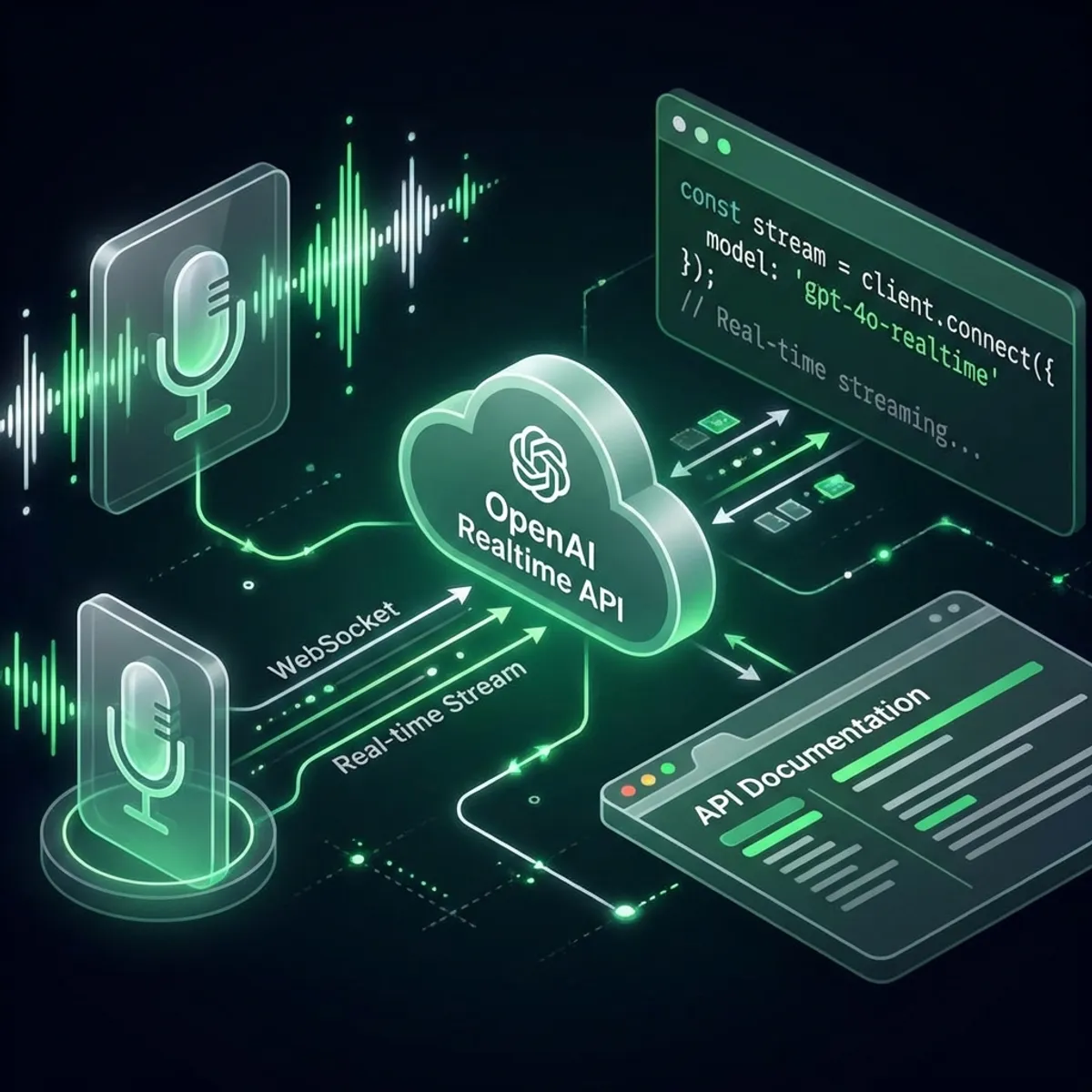
OpenAI Realtime API Complete Tutorial: Build Real-Time Voice AI Assistants
OpenAI’s Realtime API represents a paradigm shift in AI interaction—enabling sub-second voice conversations that feel natural and responsive. This comprehensive tutorial will guide you through building your first real-time voice assistant.
What is the Realtime API?
The Realtime API provides:
- WebSocket-based streaming for bidirectional communication
- Sub-200ms latency for near-instant responses
- Native speech-to-speech without intermediate text conversion
- Multimodal input supporting text, audio, and function calls
Key Differences from Chat Completions API
| Feature | Chat Completions | Realtime API |
|---|---|---|
| Protocol | HTTP REST | WebSocket |
| Latency | 500ms-2s | <200ms |
| Audio Support | Via Whisper + TTS | Native S2S |
| Streaming | Token-by-token | Continuous |
| Best For | Chatbots, async tasks | Voice assistants, live interaction |
Prerequisites
Before starting, ensure you have:
- OpenAI API key with Realtime API access
- Node.js 18+ or Python 3.10+
- Basic understanding of WebSockets
- A microphone for testing
Quick Start: Node.js Implementation
Step 1: Project Setup
mkdir realtime-voice-assistant
cd realtime-voice-assistant
npm init -y
npm install ws dotenv openai
Step 2: Environment Configuration
Create a .env file:
OPENAI_API_KEY=sk-your-api-key-here
OPENAI_REALTIME_MODEL=gpt-4o-realtime-preview-2024-12
Step 3: Basic WebSocket Connection
// index.js
import WebSocket from 'ws';
import dotenv from 'dotenv';

dotenv.config();

const REALTIME_URL = 'wss://api.openai.com/v1/realtime';

class RealtimeClient {
  constructor() {
    this.ws = null;
    this.sessionId = null;
  }

  async connect() {
    return new Promise((resolve, reject) => {
      this.ws = new WebSocket(REALTIME_URL, {
        headers: {
          'Authorization': `Bearer ${process.env.OPENAI_API_KEY}`,
          'OpenAI-Beta': 'realtime=v1'
        }
      });

      this.ws.on('open', () => {
        console.log('✅ Connected to Realtime API');
        this.initializeSession();
        resolve();
      });

      this.ws.on('message', (data) => {
        this.handleMessage(JSON.parse(data));
      });

      this.ws.on('error', reject);
    });
  }

  initializeSession() {
    // Configure the session
    this.send({
      type: 'session.update',
      session: {
        modalities: ['text', 'audio'],
        instructions: 'You are a helpful voice assistant. Be concise and friendly.',
        voice: 'alloy',
        input_audio_format: 'pcm16',
        output_audio_format: 'pcm16',
        turn_detection: {
          type: 'server_vad',
          threshold: 0.5,
          prefix_padding_ms: 300,
          silence_duration_ms: 500
        }
      }
    });
  }

  send(message) {
    if (this.ws?.readyState === WebSocket.OPEN) {
      this.ws.send(JSON.stringify(message));
    }
  }

  handleMessage(message) {
    switch (message.type) {
      case 'session.created':
        console.log('📍 Session created:', message.session.id);
        this.sessionId = message.session.id;
        break;

      case 'response.audio.delta':
        // Handle audio chunks
        this.processAudioChunk(message.delta);
        break;

      case 'response.text.delta':
        process.stdout.write(message.delta);
        break;

      case 'error':
        console.error('❌ Error:', message.error);
        break;
    }
  }

  processAudioChunk(base64Audio) {
    // Convert and play audio
    const audioBuffer = Buffer.from(base64Audio, 'base64');
    // Send to audio output device
  }

  sendText(text) {
    this.send({
      type: 'conversation.item.create',
      item: {
        type: 'message',
        role: 'user',
        content: [{ type: 'input_text', text }]
      }
    });

    this.send({ type: 'response.create' });
  }

  sendAudio(audioBuffer) {
    const base64Audio = audioBuffer.toString('base64');
    this.send({
      type: 'input_audio_buffer.append',
      audio: base64Audio
    });
  }

  disconnect() {
    this.ws?.close();
  }
}

// Usage
const client = new RealtimeClient();
await client.connect();
client.sendText('Hello! What can you help me with today?');
Advanced Features
1. Voice Activity Detection (VAD)
The Realtime API supports server-side VAD for automatic turn detection:
session: {
  turn_detection: {
    type: 'server_vad',
    threshold: 0.5,           // Sensitivity (0-1)
    prefix_padding_ms: 300,   // Audio before speech
    silence_duration_ms: 500  // Silence to end turn
  }
}
2. Function Calling
Enable AI to execute actions during conversation:
session: {
  tools: [
    {
      type: 'function',
      name: 'get_weather',
      description: 'Get current weather for a location',
      parameters: {
        type: 'object',
        properties: {
          location: { type: 'string', description: 'City name' }
        },
        required: ['location']
      }
    }
  ]
}

// Handle function calls
handleMessage(message) {
  if (message.type === 'response.function_call_arguments.done') {
    const result = await executeFunction(
      message.name,
      JSON.parse(message.arguments)
    );

    // Send function result back
    this.send({
      type: 'conversation.item.create',
      item: {
        type: 'function_call_output',
        call_id: message.call_id,
        output: JSON.stringify(result)
      }
    });
  }
}
3. Interruption Handling
Allow users to interrupt the AI mid-response:
handleMessage(message) {
  if (message.type === 'input_audio_buffer.speech_started') {
    // User started speaking - cancel current response
    this.send({ type: 'response.cancel' });
    console.log('🛑 Response cancelled - user interrupted');
  }
}
Python Implementation
For Python developers, here’s an equivalent implementation:
import asyncio
import websockets
import json
import os
from dotenv import load_dotenv

load_dotenv()

class RealtimeClient:
    def __init__(self):
        self.ws = None
        self.session_id = None

    async def connect(self):
        headers = {
            'Authorization': f'Bearer {os.getenv("OPENAI_API_KEY")}',
            'OpenAI-Beta': 'realtime=v1'
        }

        self.ws = await websockets.connect(
            'wss://api.openai.com/v1/realtime',
            extra_headers=headers
        )
        print('✅ Connected to Realtime API')
        await self.initialize_session()

    async def initialize_session(self):
        await self.send({
            'type': 'session.update',
            'session': {
                'modalities': ['text', 'audio'],
                'instructions': 'You are a helpful assistant.',
                'voice': 'alloy',
                'turn_detection': {
                    'type': 'server_vad',
                    'threshold': 0.5
                }
            }
        })

    async def send(self, message):
        await self.ws.send(json.dumps(message))

    async def listen(self):
        async for message in self.ws:
            data = json.loads(message)
            await self.handle_message(data)

    async def handle_message(self, message):
        msg_type = message.get('type')

        if msg_type == 'session.created':
            print(f'📍 Session: {message["session"]["id"]}')
        elif msg_type == 'response.text.delta':
            print(message['delta'], end='', flush=True)
        elif msg_type == 'error':
            print(f'❌ Error: {message["error"]}')

# Run
async def main():
    client = RealtimeClient()
    await client.connect()
    await client.listen()

asyncio.run(main())
Best Practices
1. Audio Optimization
// Recommended audio settings
const audioConfig = {
  sampleRate: 24000,      // 24kHz for quality
  channels: 1,            // Mono is sufficient
  bitDepth: 16,           // PCM16 format
  bufferSize: 4096        // Balance latency/quality
};
2. Error Handling
ws.on('close', (code, reason) => {
  if (code === 1006) {
    // Abnormal closure - attempt reconnect
    setTimeout(() => this.connect(), 1000);
  }
});

ws.on('error', (error) => {
  console.error('WebSocket error:', error);
  // Implement exponential backoff
});
3. Cost Optimization
| Strategy | Savings |
|---|---|
| Use text for non-voice parts | 60-70% |
| Implement client-side VAD | 30-40% |
| Cache common responses | 20-30% |
| Batch function calls | 10-20% |
Pricing (January 2026)
| Component | Cost |
|---|---|
| Audio Input | $0.06 / minute |
| Audio Output | $0.24 / minute |
| Text Input | $5.00 / 1M tokens |
| Text Output | $15.00 / 1M tokens |
Typical voice conversation (5 minutes): ~$1.50
Conclusion
The OpenAI Realtime API opens new possibilities for natural AI interactions. Key takeaways:
- WebSocket architecture enables true real-time communication
- Server-side VAD simplifies turn management
- Function calling extends AI capabilities into actions
- Cost management is crucial for production deployments
Start building your voice assistant today—the future of AI interaction is conversational!
FAQ
Q: What’s the minimum latency achievable? A: Under optimal conditions, 150-200ms end-to-end latency is possible.
Q: Can I use custom voices? A: Currently limited to built-in voices (alloy, echo, fable, onyx, nova, shimmer).
Q: Is there a free tier? A: No free tier, but new accounts get $5 in credits.
Q: How do I handle multiple concurrent users? A: Each user needs their own WebSocket connection; use a connection pool pattern.
Q: Can I use this for phone calls? A: Yes, integrate with Twilio or similar telephony providers.
Have you built something with the Realtime API? Share your project in the comments!