OpenAI Realtime API完全教程:构建实时语音AI助手
手把手教你使用OpenAI Realtime API和WebSocket流式传输构建低延迟语音AI应用
OpenAI Realtime API完全教程:构建实时语音AI助手
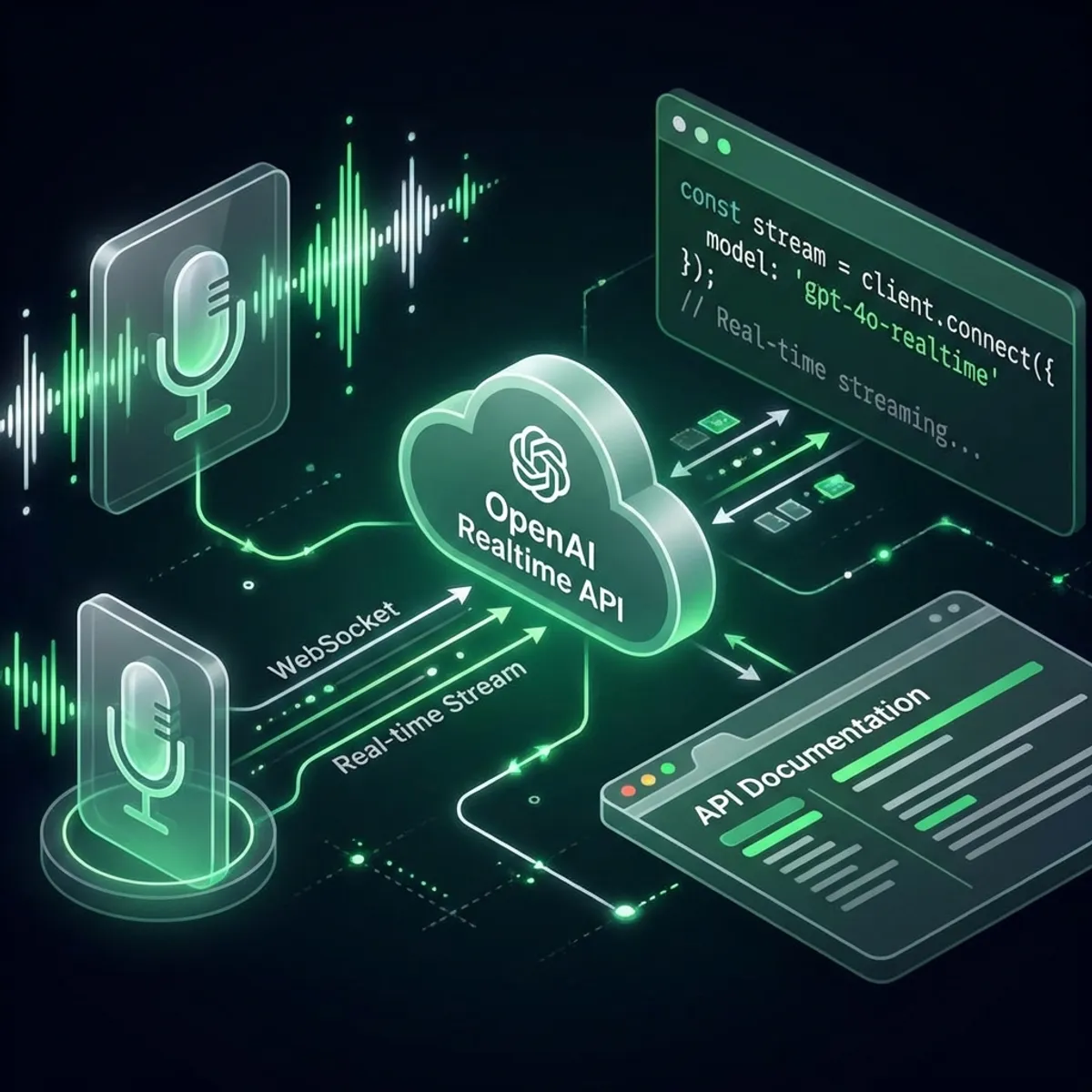
OpenAI的Realtime API代表了AI交互的范式转变——实现亚秒级语音对话,自然流畅。本教程将带你从零构建第一个实时语音助手。
什么是Realtime API?
Realtime API提供:
- 基于WebSocket的流式传输 实现双向通信
- 低于200毫秒延迟 近乎即时响应
- 原生语音到语音 无需中间文本转换
- 多模态输入 支持文本、音频和函数调用
与Chat Completions API的关键区别
| 特性 | Chat Completions | Realtime API |
|---|---|---|
| 协议 | HTTP REST | WebSocket |
| 延迟 | 500ms-2s | <200ms |
| 音频支持 | 通过Whisper + TTS | 原生S2S |
| 流式传输 | 逐Token | 连续流 |
| 最佳场景 | 聊天机器人、异步任务 | 语音助手、实时交互 |
前置条件
开始前,请确保:
- 拥有Realtime API权限的OpenAI API密钥
- Node.js 18+ 或 Python 3.10+
- 基本的WebSocket理解
- 用于测试的麦克风
快速开始:Node.js实现
步骤1:项目初始化
mkdir realtime-voice-assistant
cd realtime-voice-assistant
npm init -y
npm install ws dotenv openai
步骤2:环境配置
创建.env文件:
OPENAI_API_KEY=sk-your-api-key-here
OPENAI_REALTIME_MODEL=gpt-4o-realtime-preview-2024-12
步骤3:基础WebSocket连接
// index.js
import WebSocket from 'ws';
import dotenv from 'dotenv';

dotenv.config();

const REALTIME_URL = 'wss://api.openai.com/v1/realtime';

class RealtimeClient {
  constructor() {
    this.ws = null;
    this.sessionId = null;
  }

  async connect() {
    return new Promise((resolve, reject) => {
      this.ws = new WebSocket(REALTIME_URL, {
        headers: {
          'Authorization': `Bearer ${process.env.OPENAI_API_KEY}`,
          'OpenAI-Beta': 'realtime=v1'
        }
      });

      this.ws.on('open', () => {
        console.log('✅ 已连接到Realtime API');
        this.initializeSession();
        resolve();
      });

      this.ws.on('message', (data) => {
        this.handleMessage(JSON.parse(data));
      });

      this.ws.on('error', reject);
    });
  }

  initializeSession() {
    // 配置会话
    this.send({
      type: 'session.update',
      session: {
        modalities: ['text', 'audio'],
        instructions: '你是一个有帮助的语音助手。请简洁友好地回答。',
        voice: 'alloy',
        input_audio_format: 'pcm16',
        output_audio_format: 'pcm16',
        turn_detection: {
          type: 'server_vad',
          threshold: 0.5,
          prefix_padding_ms: 300,
          silence_duration_ms: 500
        }
      }
    });
  }

  send(message) {
    if (this.ws?.readyState === WebSocket.OPEN) {
      this.ws.send(JSON.stringify(message));
    }
  }

  handleMessage(message) {
    switch (message.type) {
      case 'session.created':
        console.log('📍 会话已创建:', message.session.id);
        this.sessionId = message.session.id;
        break;

      case 'response.audio.delta':
        // 处理音频数据块
        this.processAudioChunk(message.delta);
        break;

      case 'response.text.delta':
        process.stdout.write(message.delta);
        break;

      case 'error':
        console.error('❌ 错误:', message.error);
        break;
    }
  }

  processAudioChunk(base64Audio) {
    // 转换并播放音频
    const audioBuffer = Buffer.from(base64Audio, 'base64');
    // 发送到音频输出设备
  }

  sendText(text) {
    this.send({
      type: 'conversation.item.create',
      item: {
        type: 'message',
        role: 'user',
        content: [{ type: 'input_text', text }]
      }
    });

    this.send({ type: 'response.create' });
  }

  sendAudio(audioBuffer) {
    const base64Audio = audioBuffer.toString('base64');
    this.send({
      type: 'input_audio_buffer.append',
      audio: base64Audio
    });
  }

  disconnect() {
    this.ws?.close();
  }
}

// 使用示例
const client = new RealtimeClient();
await client.connect();
client.sendText('你好!今天有什么可以帮助你的?');
高级功能
1. 语音活动检测(VAD)
Realtime API支持服务端VAD实现自动轮次检测:
session: {
  turn_detection: {
    type: 'server_vad',
    threshold: 0.5,           // 灵敏度(0-1)
    prefix_padding_ms: 300,   // 语音前的音频
    silence_duration_ms: 500  // 结束轮次的静音时长
  }
}
2. 函数调用
让AI在对话中执行操作:
session: {
  tools: [
    {
      type: 'function',
      name: 'get_weather',
      description: '获取指定位置的当前天气',
      parameters: {
        type: 'object',
        properties: {
          location: { type: 'string', description: '城市名称' }
        },
        required: ['location']
      }
    }
  ]
}

// 处理函数调用
handleMessage(message) {
  if (message.type === 'response.function_call_arguments.done') {
    const result = await executeFunction(
      message.name,
      JSON.parse(message.arguments)
    );

    // 返回函数结果
    this.send({
      type: 'conversation.item.create',
      item: {
        type: 'function_call_output',
        call_id: message.call_id,
        output: JSON.stringify(result)
      }
    });
  }
}
3. 中断处理
允许用户在AI响应过程中打断:
handleMessage(message) {
  if (message.type === 'input_audio_buffer.speech_started') {
    // 用户开始说话 - 取消当前响应
    this.send({ type: 'response.cancel' });
    console.log('🛑 响应已取消 - 用户打断');
  }
}
Python实现
Python开发者版本:
import asyncio
import websockets
import json
import os
from dotenv import load_dotenv

load_dotenv()

class RealtimeClient:
    def __init__(self):
        self.ws = None
        self.session_id = None

    async def connect(self):
        headers = {
            'Authorization': f'Bearer {os.getenv("OPENAI_API_KEY")}',
            'OpenAI-Beta': 'realtime=v1'
        }

        self.ws = await websockets.connect(
            'wss://api.openai.com/v1/realtime',
            extra_headers=headers
        )
        print('✅ 已连接到Realtime API')
        await self.initialize_session()

    async def initialize_session(self):
        await self.send({
            'type': 'session.update',
            'session': {
                'modalities': ['text', 'audio'],
                'instructions': '你是一个有帮助的助手。',
                'voice': 'alloy',
                'turn_detection': {
                    'type': 'server_vad',
                    'threshold': 0.5
                }
            }
        })

    async def send(self, message):
        await self.ws.send(json.dumps(message))

    async def listen(self):
        async for message in self.ws:
            data = json.loads(message)
            await self.handle_message(data)

    async def handle_message(self, message):
        msg_type = message.get('type')

        if msg_type == 'session.created':
            print(f'📍 会话: {message["session"]["id"]}')
        elif msg_type == 'response.text.delta':
            print(message['delta'], end='', flush=True)
        elif msg_type == 'error':
            print(f'❌ 错误: {message["error"]}')

# 运行
async def main():
    client = RealtimeClient()
    await client.connect()
    await client.listen()

asyncio.run(main())
最佳实践
1. 音频优化
// 推荐音频设置
const audioConfig = {
  sampleRate: 24000,      // 24kHz保证质量
  channels: 1,            // 单声道即可
  bitDepth: 16,           // PCM16格式
  bufferSize: 4096        // 平衡延迟/质量
};
2. 错误处理
ws.on('close', (code, reason) => {
  if (code === 1006) {
    // 异常关闭 - 尝试重连
    setTimeout(() => this.connect(), 1000);
  }
});

ws.on('error', (error) => {
  console.error('WebSocket错误:', error);
  // 实现指数退避
});
3. 成本优化
| 策略 | 节省比例 |
|---|---|
| 非语音部分使用文本 | 60-70% |
| 实现客户端VAD | 30-40% |
| 缓存常见响应 | 20-30% |
| 批量函数调用 | 10-20% |
定价(2026年1月)
| 组件 | 费用 |
|---|---|
| 音频输入 | $0.06/分钟 |
| 音频输出 | $0.24/分钟 |
| 文本输入 | $5.00/百万tokens |
| 文本输出 | $15.00/百万tokens |
典型5分钟语音对话: 约$1.50
总结
OpenAI Realtime API为自然AI交互开启了新可能。核心要点:
- WebSocket架构 实现真正的实时通信
- 服务端VAD 简化轮次管理
- 函数调用 将AI能力扩展到实际操作
- 成本管理 对生产部署至关重要
现在就开始构建你的语音助手——AI交互的未来是对话式的!
常见问题
Q:可实现的最低延迟是多少? A:在最佳条件下,端到端延迟可低至150-200毫秒。
Q:可以使用自定义语音吗? A:目前仅限内置语音(alloy、echo、fable、onyx、nova、shimmer)。
Q:有免费套餐吗? A:没有免费套餐,但新账户获得$5试用额度。
Q:如何处理多个并发用户? A:每个用户需要独立的WebSocket连接;使用连接池模式。
Q:可以用于电话通话吗? A:可以,与Twilio等电话服务提供商集成。
你用Realtime API构建了什么项目?欢迎在评论区分享!